
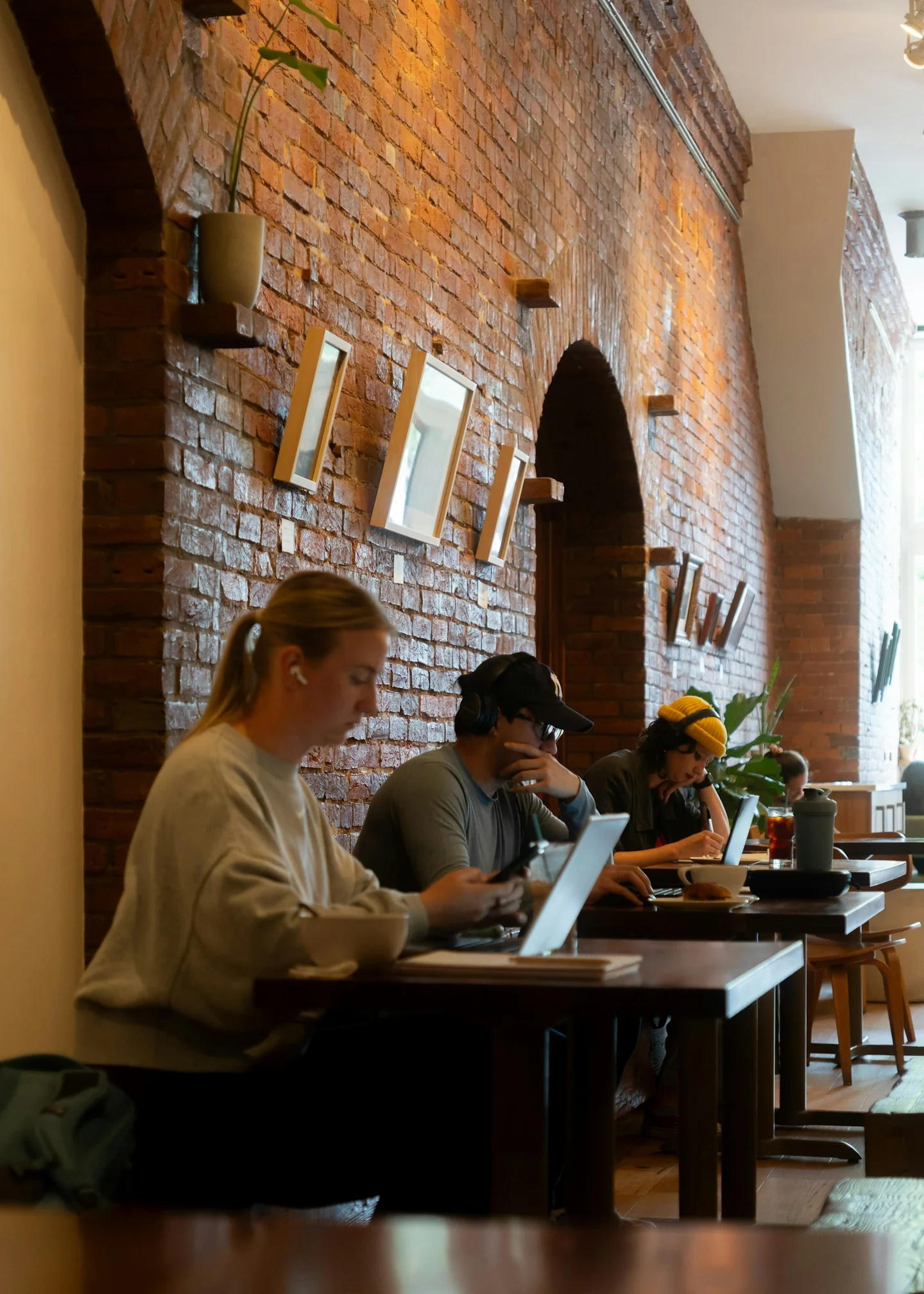
A café table and a change of scenery can make work feel lighter. They can also blur every boundary: breakfast becomes email, the afternoon walk becomes a call, and the evening view becomes a laptop background. A portable office needs a plan for arriving and leaving.
Choose the place for the work you need to do
Check the basics before settling in: permission to work there, power, connection, noise, seating, and the privacy the task requires. A beautiful room may still be a poor place for a confidential call or a long writing session.
Keep a second option in mind. If the connection fails or the setting becomes busy, you should not need to spend the rest of the morning researching somewhere else. Portability works best when it includes a fallback.
Separate a scenic stop from a workable office
A table can be a pleasant place to answer a few messages and a poor place to spend six hours. Check whether the venue welcomes working customers, how long you can reasonably stay, and whether calls are appropriate. Notice the seating, noise, power access, and how much room your task requires before unpacking everything.
Choose according to the work. A long confidential call needs privacy; detailed writing may need a quieter setting; a quick administrative task may fit a short café visit. Keep a second option for the important deadline rather than relying on a seat you cannot reserve. If the setting is part of why you wanted to work elsewhere, give it an appropriate role. A café can be a good transition or a short focus stop without being asked to become a complete office. The photograph of the table does not answer these practical questions.
The laptop's convenience creates a positioning trade-off
A laptop joins the screen and keyboard in one object. Raising the screen also raises the keyboard; lowering the keyboard also lowers the screen. OSHA's workstation guidance makes neutral positioning and a comfortable arrangement the relevant goals. For longer sessions, separate equipment can help you adjust the display and typing position independently, if the surface and seating allow it.
Start with what you can change before buying anything: face the work directly, avoid reaching around bags, support your feet where possible, and change position during the session. A compact keyboard only helps if you also have a sensible place for it. A pile of accessories on a tiny table can create more reaching and clutter. Review the setup when discomfort appears, and seek advice for persistent symptoms. Portable equipment should solve a specific limitation in the place you use it, rather than reproduce the appearance of a desk in a travel bag.
Sources: [2]

Make time zones visible before they become an apology
Write availability using a clear time zone and put the agreed hours on the shared calendar. If you will move between locations, leave travel time around meetings. A train journey with uncertain reception is not the same as a quiet room with a dependable connection. Communicate that difference while people can still plan around it.
For example, choose one reliable period for live collaboration and a separate period for work you can complete independently. Confirm which deliverable is expected and when. If the local day ends earlier or later than your colleagues' day, agree how urgent issues will be handled. The goal is predictability, not the claim that location makes every hour available. A portable working arrangement becomes easier to sustain when people know where its edges are. You can be responsive without treating every spare moment as an extension of the office.
The IHE Edit
A small kit for a movable workday
Keep the setup tied to the task: comfortable typing, a visible work block, and a drink you can bring.
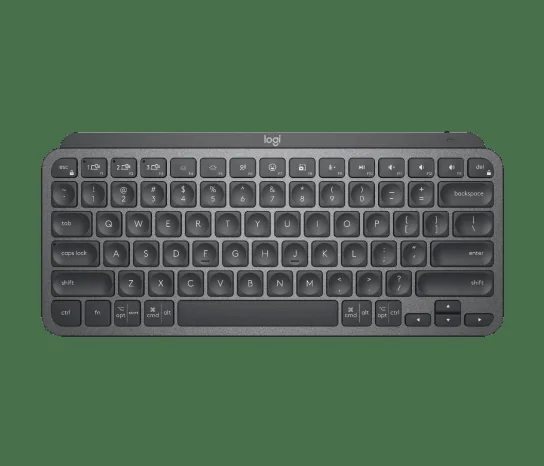
For separating screen and keys
Logitech MX Keys Mini
A compact wireless keyboard that lets you separate typing from the laptop screen. Pair it with a comfortable screen position and a suitable pointing device.
Shop Logitech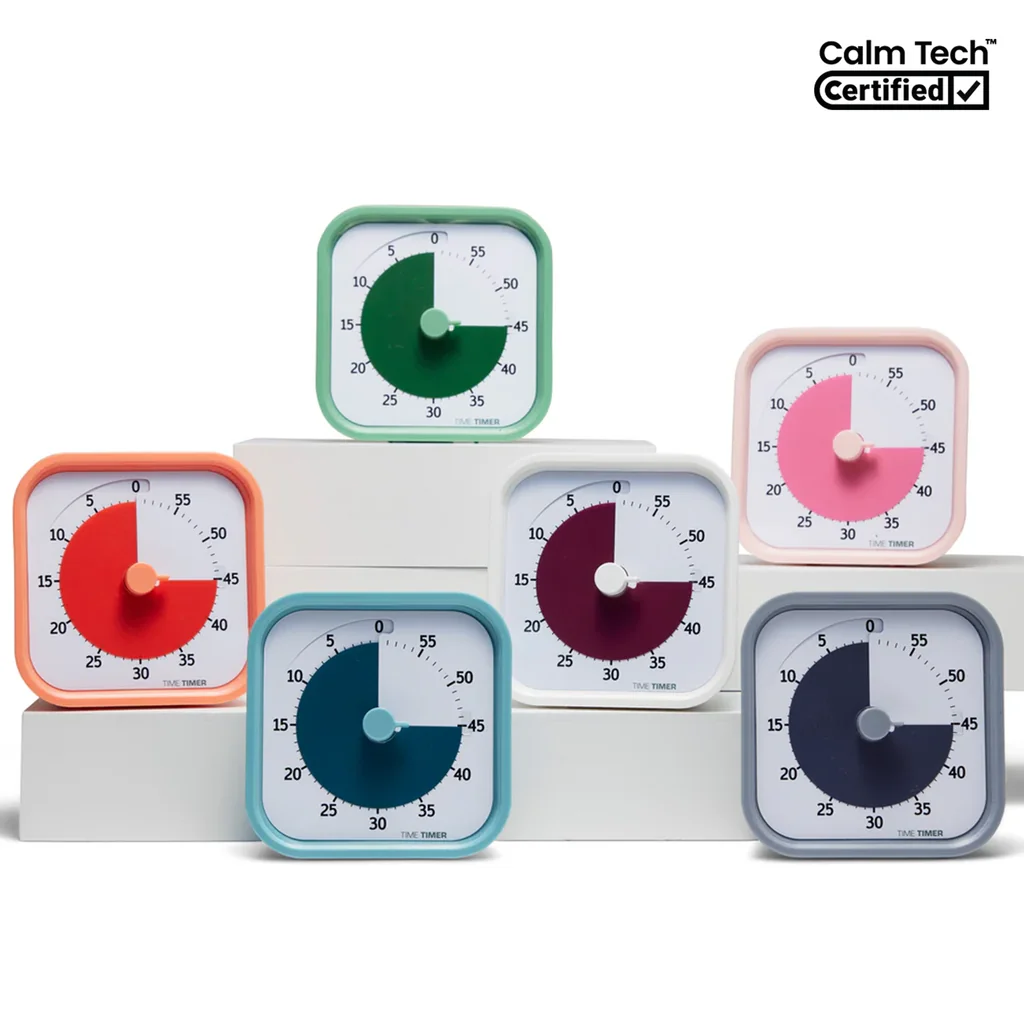
For a clear stopping point
Time Timer MOD Home Edition
A visual timer for giving a work block, break, or small household task a clear end. Choose the interval around the job you actually need to do.
Shop Time Timer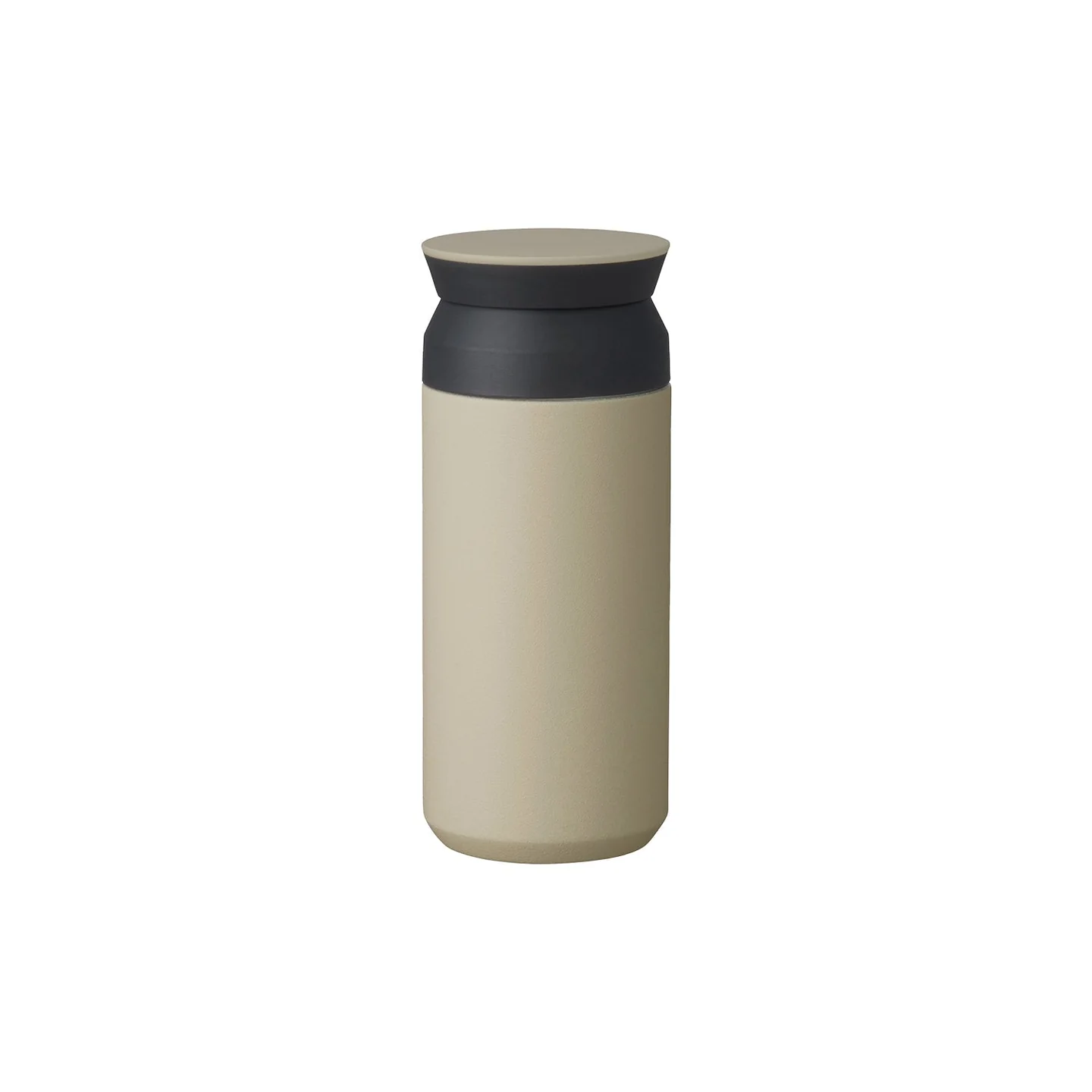
For the first coffee
KINTO Travel Tumbler 350 ml
A compact insulated tumbler for the coffee or tea you already make. The 350 ml size keeps the ritual easy to take along.
Shop KINTOGive the location a part of the day of its own
The Good Trade's discussion of working from home highlights the need for boundaries when work and personal space overlap. A temporary location has the same problem in a different form. Decide in advance when you will close the laptop and what you want to do afterward. A walk to dinner is easier to protect when dinner is actually on the calendar.
End by saving the work and writing the next action, then pack the equipment away rather than leaving the screen open beside the evening. If there is still an unresolved issue, name when you will return to it. Keep that appointment realistic. The value of working elsewhere may be flexibility, proximity to family, or time in a place you enjoy. Let the arrangement serve that purpose. Otherwise, the scenery changes while the work expands to occupy exactly the space you hoped the new setting would create.
Sources: [3]
Pack for the task, not an imaginary setup
A compact keyboard can help create a familiar workspace if you already use one. It does not replace a comfortable position, reasonable breaks, or a suitable surface. Bring the tools that solve a known problem in your actual work.
Keep the setup small enough to assemble and put away quickly. If every move involves a tangle of accessories, the equipment may be working against the flexibility you wanted.
Close the portable office on purpose
Leave a next-action note, save your work, and put the devices in the bag. Then choose an activity that uses the place around you: a short walk, a meal, or a conversation without the screen open.
A change of location can be valuable even when it does not improve productivity. Give yourself time to notice why you wanted to be there in the first place.